
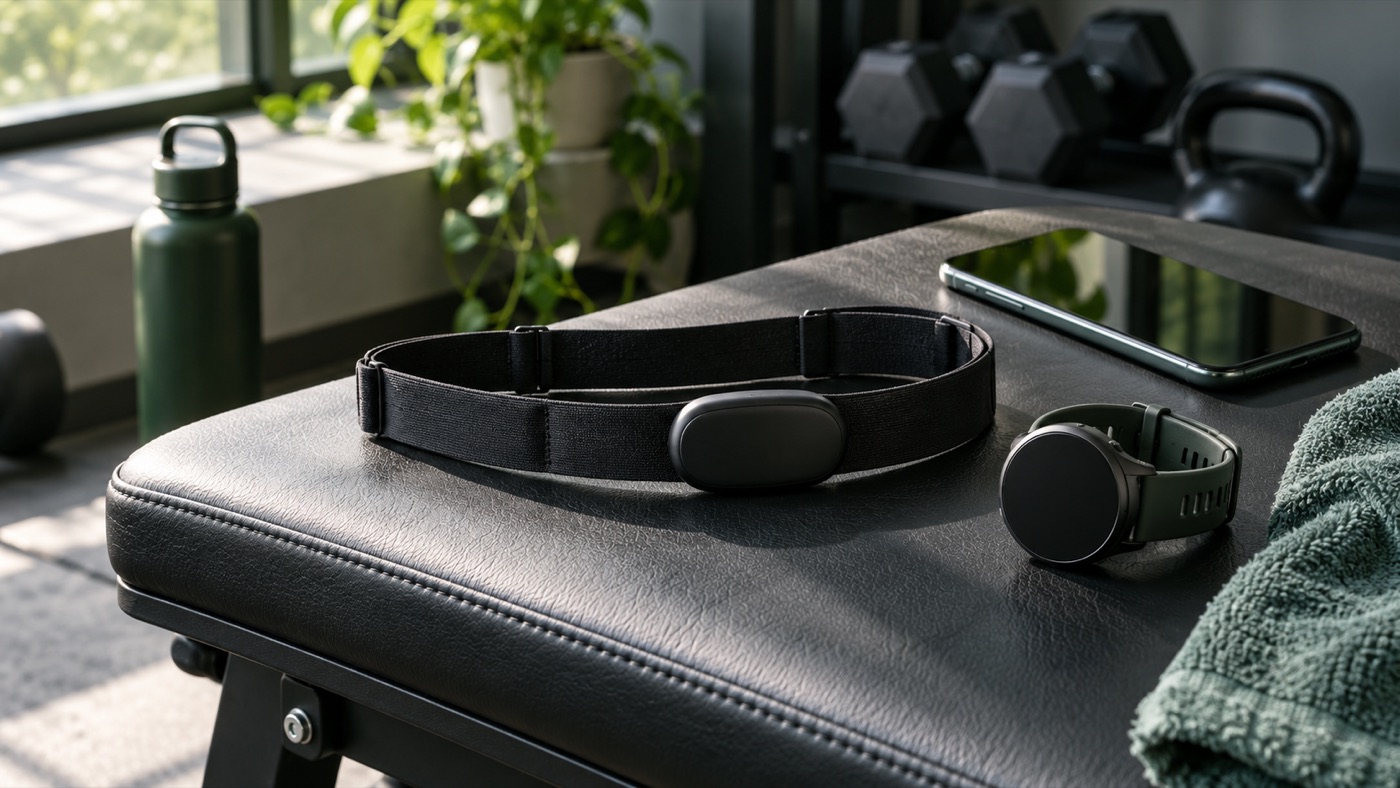
The best heart rate chest strap for Zone 2 training is the one that connects to your existing equipment, fits comfortably, and makes your workout easier to understand. It does not need to turn your morning walk into a mission-control launch. If your wrist watch occasionally reports a heroic heart rate while you are calmly adjusting a treadmill, a separate sensor is worth considering.
Connected fitness remains a relevant shopping topic: ACSM’s 2026 fitness-trends forecast places wearable technology first and also highlights data-driven training. That supports the broader theme, not a claim that any particular chest-strap keyword has a measured search-volume spike. This guide targets a practical question: which sensor makes sense for steady cardio, gym sessions, and a beginner budget?
We compare the Polar H10, Garmin HRM 200, and Wahoo TRACKR HEART RATE using official specifications. You will also find a setup checklist, a buying decision infographic, common mistakes, and an example routine for using data sensibly. No laboratory coats, questionable accuracy scores, or magical calorie promises required.
Quick answer: which chest strap should you shortlist?
Shortlist the Polar H10 when you value its supported recording feature and broad connectivity. Consider the Garmin HRM 200 if a replaceable battery and a straightforward compatible-device setup fit your routine. Consider Wahoo TRACKR when recharging suits you better than keeping spare coin cells. These are different ownership preferences, not an objective podium established by our testing.
Before paying for any of them, identify where your heart-rate number will appear. A chest strap usually supplies data to another screen or app. It is not necessarily a standalone watch, a coaching subscription, or a complete fitness tracker. Buying a sensor without checking your receiving device is like buying a microphone and forgetting the speaker: technically exciting, practically quiet.
Heart rate chest strap comparison table
| Model | Price reference | Power | Connection / useful feature | Main advantage | Trade-off |
|---|---|---|---|---|---|
| Polar H10 | $104.95 listed | Replaceable CR2025; approximately 400 hours claimed | Bluetooth and ANT+; dual Bluetooth; one-session recording support | Useful flexibility for compatible training setups | Coin-cell replacement; recording workflow needs checking |
| Garmin HRM 200 | $79.99 manufacturer MSRP reference; confirm current checkout | Replaceable battery; up to one year claimed | Compatible devices receive heart rate and HRV; status LED | Low charging-maintenance approach | No rechargeable battery; verify receiving-device support |
| Wahoo TRACKR HEART RATE | $99.99 listed | Rechargeable; over 100 active hours claimed | Bluetooth and ANT+; up to three Bluetooth connections | Convenient for a multi-device routine | Needs charging; strap is handwash only |
Sources: Polar H10 specifications, Garmin HRM 200 manufacturer announcement, and Wahoo TRACKR product page. Battery figures are manufacturer claims, not directly comparable independent test results.
Why use a chest strap instead of your watch?
A wrist wearable typically uses an optical sensor, while these chest straps detect electrical signals associated with heartbeats. The distinction can matter when movement, grip, or fit makes wrist readings inconsistent. However, neither technology makes a consumer device a diagnostic medical instrument. A believable-looking graph can still contain bad readings, and a good sensor still requires suitable positioning.
Think about your actual problem. If your watch already gives stable readings during comfortable walks and you are happy with the information, a chest strap may add little. If you want a consistent external signal for an indoor bike, compatible watch, or training app, the accessory becomes more useful. The upgrade should solve something specific rather than satisfy the universal fitness urge to own one more charger.
For strength training, heart rate is supplementary context. It does not tell you whether your squat technique is good, whether you selected an appropriate weight, or whether you should add another set. Use your workout log and movement quality for those decisions. Our progressive overload guide explains why controlled progress matters more than chasing a dramatic number.
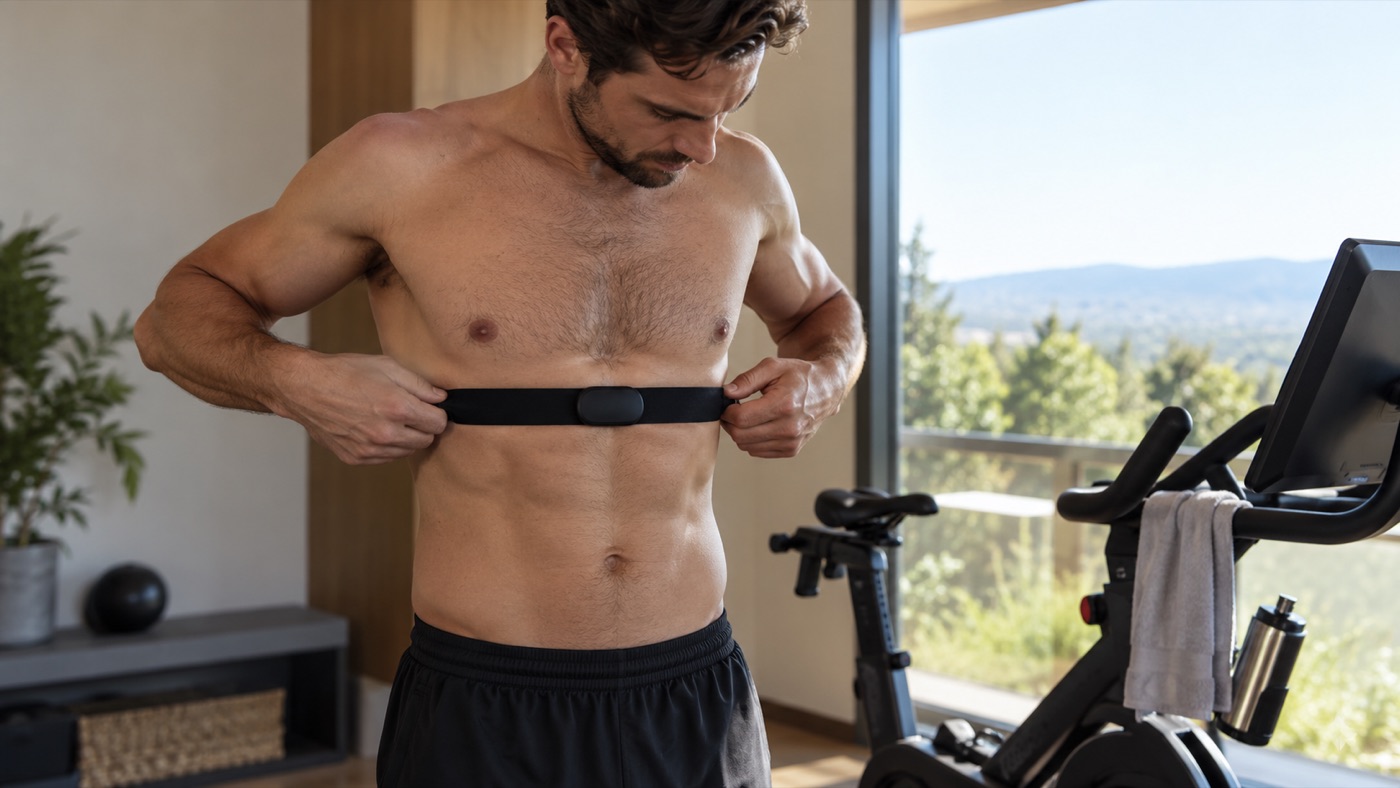
Polar H10: shortlist it for recording flexibility
The H10 combines a replaceable battery with Bluetooth and ANT+ support. Polar also specifies memory for one training session, with a supported recording workflow. That can be useful if you do not want to keep a receiving device nearby, but you should confirm how your intended app starts, stops, and retrieves the recording before treating memory as effortless automatic logging.
The practical buying question is whether you will actually use that feature. If every session already goes straight to your watch, internal recording might be an occasional backup rather than your primary reason to buy. A feature you never enable is not a benefit you receive, even when the product page makes it sound impressively professional.
Pros: flexible supported connections, a replaceable power source, and an optional recording route. Cons: you must buy the correct replacement battery and understand the recording setup. Polar explicitly warns against substituting a CR2032 for the specified CR2025. Check fit and replacement-strap availability as carefully as the electronics. A sensor pod is only half of the comfort story.
Garmin HRM 200: shortlist it for a simple battery routine
Garmin describes the HRM 200 as sending heart-rate and HRV information to compatible equipment and devices. Its manufacturer announcement specifies a replaceable battery lasting up to a year and a status light. The two strap-size options and removable module are useful details to investigate before ordering, especially if you have struggled with generic one-size descriptions.
The appeal is straightforward: fewer charging decisions. That does not mean the battery will last exactly a year for every owner, or that this sensor unlocks every advanced feature found in Garmin’s higher-priced products. Read the specifications for this particular model. Brand families contain different capabilities, and a shared logo is not a feature list.
Pros: a replaceable battery, visible status feedback, and a clear compatible-device role. Cons: it will not suit someone who specifically wants recharging, and connection settings still need checking. The $79.99 figure above is a manufacturer price reference, not a guarantee of today’s checkout cost. Compare the delivered price and seller terms before deciding it is the budget winner.
Wahoo TRACKR: shortlist it if you prefer recharging
Wahoo lists a rechargeable battery, more than 100 hours of active use in normal conditions, and multiple simultaneous Bluetooth connections. For someone who regularly uses a phone alongside another compatible screen, that connection allowance can remove a small but irritating limitation. Compatibility remains a device-and-app question, not simply a matter of counting Bluetooth symbols.
The ownership trade-off is that recharging becomes another task. A long claimed runtime can make charging less frequent, but it cannot rescue a forgotten cable on the day you want to train. Build it into a predictable routine instead of waiting for the sensor to deliver its retirement speech during your warm-up.
Pros: rechargeable power and useful multi-device support. Cons: charging access matters, and Wahoo specifies handwashing the strap after detaching the pod. Its IPX7 rating should not be interpreted as permission for every water activity. Check the manufacturer’s instructions for your intended use. Sweat resistance, shower use, and reliable swimming data are different questions.
Buying infographic: choose the workflow before the brand
The flowchart deliberately starts with your existing screen. A sensor that integrates smoothly with equipment you own can be a better purchase than a technically impressive one requiring replacement apps, extra subscriptions, or a second device. Write down your watch model, phone operating system, and any bike or treadmill you expect to connect before comparing product pages.
Five checks that prevent an expensive compatibility mistake
1. Confirm the receiving device
Search the manual for external heart-rate sensor support. Do not assume that a treadmill with Bluetooth audio accepts heart-rate data, or that a phone app accepts every accessory. Bluetooth describes a connection technology; the relevant device profile and app support determine whether your workout actually receives useful information.
2. Count your simultaneous connections
One watch might be enough. A phone, bike computer, and indoor platform create a different scenario. Check whether each connection uses Bluetooth or ANT+, and whether the sensor supports the combination you need. Pair only the devices you intend to use, then run a short test before an important workout.
3. Measure fit rather than guessing
Check the actual size range, not just the model name. The strap should remain in contact without feeling restrictive. Consider the buckle, elastic, and how the material behaves when sweaty. If a return policy excludes opened wearable accessories, you want to know that before conducting your own fitting-room experiment at home.
4. Understand the recording destination
Ask where completed sessions are saved and how you export or review them. An app’s free functions may be sufficient even when optional paid coaching exists. Never assume buying a sensor includes a subscription. Separate the accessory price, the app price, and any optional service so your budget remains honest.
5. Price the replacement parts
Straps wear, batteries run down, and charging cables disappear into the same mysterious dimension as single socks. Check replacement-part availability and warranty conditions. The cheapest initial checkout can be poor value if a worn elastic strap requires replacing the entire system. A modestly higher purchase price can make sense when upkeep is straightforward.
How to use a chest strap for Zone 2 without chasing numbers
Heart-rate zones depend on the model used by your app or coach. Generic age-based estimates are starting points, not personal laboratory measurements. For a beginner doing steady cardio, pair the reading with breathing, perceived effort, and the ability to talk. Avoid treating a single universal percentage as an exact boundary for every body.
Begin with an easy warm-up and increase effort gradually. Observe a settled period rather than reacting to every second of the display. If the reading looks wildly different from how you feel, check sensor contact and pairing before making the session harder or easier solely because of the screen. A gadget should inform judgment, not replace it.
Read our Zone 2 cardio beginner guide for the broader approach. Medication, medical conditions, heat, and other factors can affect heart-rate responses. People with cardiovascular concerns or clinician-set limits should follow individualized guidance. Stop exercise for concerning symptoms and seek appropriate care rather than troubleshooting an app through chest pain.
A first-week setup plan
Session one: connect the sensor at home, confirm that the intended app or watch is receiving it, and record a short comfortable walk. Your goal is a working connection and comfortable fit, not a personal record. Note where the activity file appears and whether the session was saved successfully.
Session two: repeat a familiar easy cardio session. Keep the route or machine setting reasonably consistent so you can concentrate on the workflow. Notice whether the strap stays in place and whether the display is readable without constantly interrupting your movement. Make practical adjustments before adding complexity.
Session three: review the files, not just the live screen. Compare duration, general effort, and any obvious signal gaps. Decide which data you genuinely use. If your only useful takeaway is that you started too fast, excellent: the gadget has already earned a sensible role without requiring a spreadsheet with twelve tabs.
Cleaning, privacy, and troubleshooting
Follow each manufacturer’s washing instructions; they are not interchangeable. Detach electronics when instructed, rinse or wash the strap as directed, and let it dry appropriately. Poor contact can masquerade as a broken sensor. Check fit, electrodes, battery condition, and accidental connections to another nearby device before assuming the hardware has failed.
Review app permissions and sharing settings. A workout file may contain time, location, and personal training data. Public leaderboards are optional in many services, and they are not necessary for a useful routine. Decide what you want shared before linking multiple platforms. More integration is not automatically more convenience if it creates confusing duplicate activities.
Frequently asked questions
Do beginners need a heart rate chest strap?
No. A comfortable routine and consistent attendance matter more. Buy one if it solves unreliable readings or a specific training connection. You can start walking, cycling, and building endurance without owning any wearable at all.
Will a chest strap make calorie estimates exact?
No. Apps combine measurements with assumptions, and energy estimates remain estimates. Avoid using one activity’s calorie number as a precise food allowance. Duration and repeatable effort are often more useful beginner metrics.
Which model is the best overall?
There is no universal winner from specifications alone. The H10 emphasizes recording flexibility, HRM 200 suits a replaceable-battery preference, and TRACKR suits recharging and supported multi-device use. Comfort and your existing equipment decide the final fit.
Bottom line: buy useful feedback, not more dashboard anxiety
The best heart rate chest strap for Zone 2 is an accessory you understand and consistently use. Choose the receiving screen first, check fit and power preferences, and keep training decisions grounded in how you feel. When the basics work, a simple sensor can provide helpful feedback without appointing itself chief executive of your workout.
Leave a Reply